A developer's look at the newest Sitecore Page Builder updates.
Sitecore published two Page Builder changelog entries this week, and they point in the same direction: less friction for authors.
The headline item is a new Content Mode that looks like it's meant to speed up common content tasks without forcing people to bounce through the full tree in Explorer or Content Editor. Alongside that, there's a smaller, but useful, batch of Page Builder fixes around personalization, broken containers, translation, workflow prompts, Rich Text handling, and Content Hub metadata. 
What changed
Content mode for faster content creation and search
Sitecore is adding a full screen Content Mode inside Page Builder for creating, find, and editing content. Based on the changelog, the practical pieces are:
- Guided insert options that only show valid templates
- A flat, paginated search view for content items
- Direct full-view opening of items from search
- Field-level search within an item
- A distraction-free full-screen field editor
If this works the way it sounds, it should help authors who already know what they need and do not want to click through a deep content tree to get there.
Page Builder improvements and resolved issues
The second entry is more of a maintenance release, but there are some worthwhile fixes in it. The main improvement is that personalization swaps no longer require components to be marked as compatible before authors can swap them in a page variant. That reduces setup overhead and makes personalization a bit less brittle. Sitecore also fixed a handful of rough edges:
- Hidden container and components should no longer make nested components look broken
- Authors can now remove or repair components inside a broken container directly in Page Builder
- The Open in Content Editor button now appears properly where applicable
- Page translation now includes content from associated partial designs
- Fallback value labels now show which language supplied the fallback
- Workflow command behaviour around Suppress Comment now respects Content Editor settings
- Adjacent unordered lists in Rich Text fields are kept separate instead of being merged
- Content Hub assets now get the correct dam-content-type metadata when added
Why this matters
This is mostly about authoring speed and few weird edge cases.
Content mode looks like Sitecore recognizing a real problem: tree-based content navigation is fine until its not. Once content structures get large, simple actions start taking too many clicks. A focused mode for create, search, and field editing could be real quality-of-life improvement for content teams.
The fix bundle matters too, even if it is less flashy. Broken containers, odd workflow prompts, translation gaps, and Rich Text quirks are the kind of things that waste time because they force teams into support workarounds or manual cleanup. 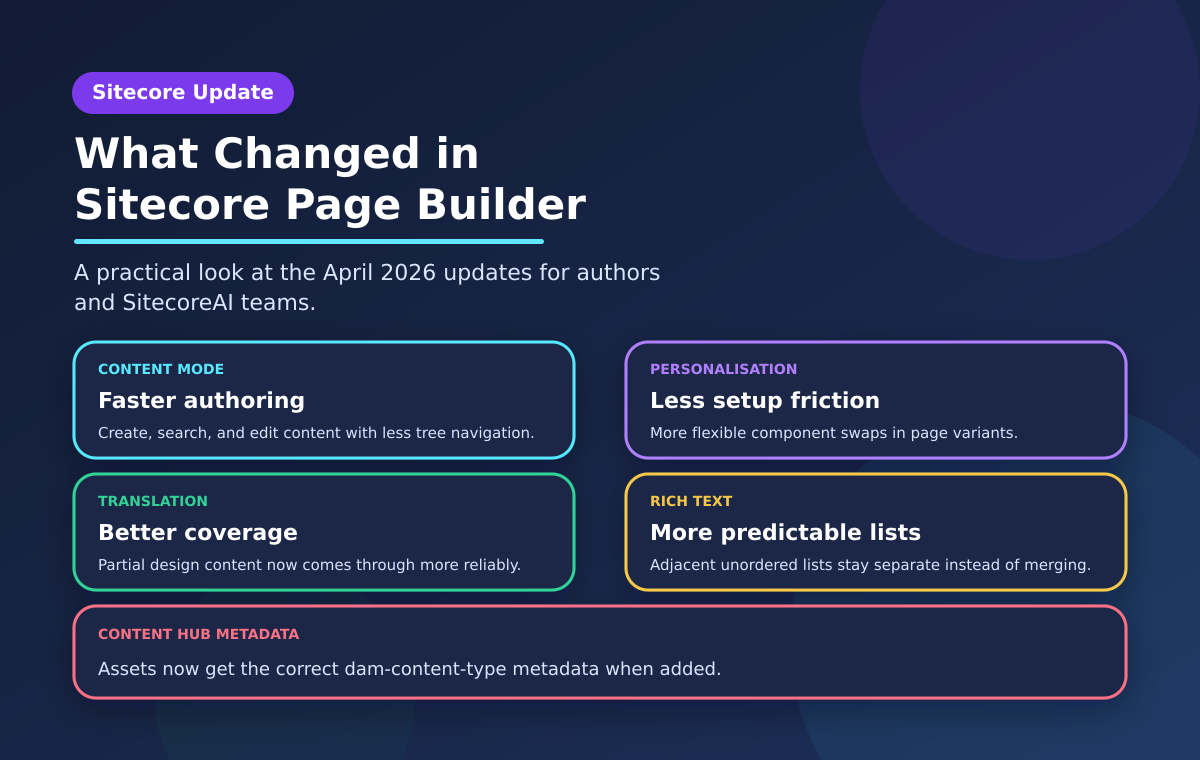
Who should care
This roundup is most relevant for:
- Content authors and editors working in SitecoreAI / modern Sitecore authoring flows
- Sitecore developers supporting authoring teams and personalization setups
- Solution architects and platform owners watching for usability improvements that reduce training and support overhead
If your team spends a lot of time in Page Builder, this is worth a look.
Practical watch-outs
A few things are still worth treating carefully:
- Content mode sounds promising, but the changelog is high-level. I would want to see how it behaves with real-world information architecture, permissions, and custom templates before calling it a major workflow win
- Personalization flexibility is good, but it can expose looser design discipline. If authors can swap more freely, teams still need guardrails around what makes sense in a variant
- Fixes do not always mean every related edge case is gone. Translation, Rich Text, and broken-container issues tend to have long tails, so this is one to validate in a lower environment first
In other words: it's a useful release, but there's still room for improvement.
The bottom line
The new Content mode is the bigger story here, it looks like a sensible move toward faster, less frustrating authoring. And lets be honest, authoring can often be the most frustrating part of building your Sitecore site.
The surrounding Page Builder fixes are smaller, but arguably just as valuable for teams living in the tool every day.
If you run Sitecore and your authors have been fighting the interface a bit, this will be a helpful and practical update rather than a changelog filler.
Source: Content mode for faster content creation and search in Page Builder