Reading time: 3 min read
SitecoreAI adds Glossary Controls for Brand Kit Translation
SitecoreAI just added a more useful Way to control translation output without relying on broad Brand Rules alone.
Start typing to search...
SitecoreAI just added a more useful way to control translation output without relying on broad brand rules alone.
The new glossary section inside brand kits lets teams define approved translations for specific terms, preserve brand and product names, and keep slogans from getting "helpfully" rewritten. That's a practical upgrade if you care about consistency across localized pages. 
Sitecore added a new Glossary and Localization section to SitecoreAI brand kits. According to the changelog, that glossary can be used to:
There's also API support for adding and editing glossary terms through Brand Management API, which matters if you want to manage this stuff in bulk.
This is the sort of feature that sounds small until you've had translation tooling mangle a product name, rewrite a slogan, or apply the wrong term across twenty pages.
A dedicated glossary is cleaner than trying to force everything through general brand instructions. It gives teams a sharper tool for the jobs that actually need precision.
That matters most when:
In other words, this is less about "AI magic" and more about reducing avoidable mess. That's a pretty good trade-off. 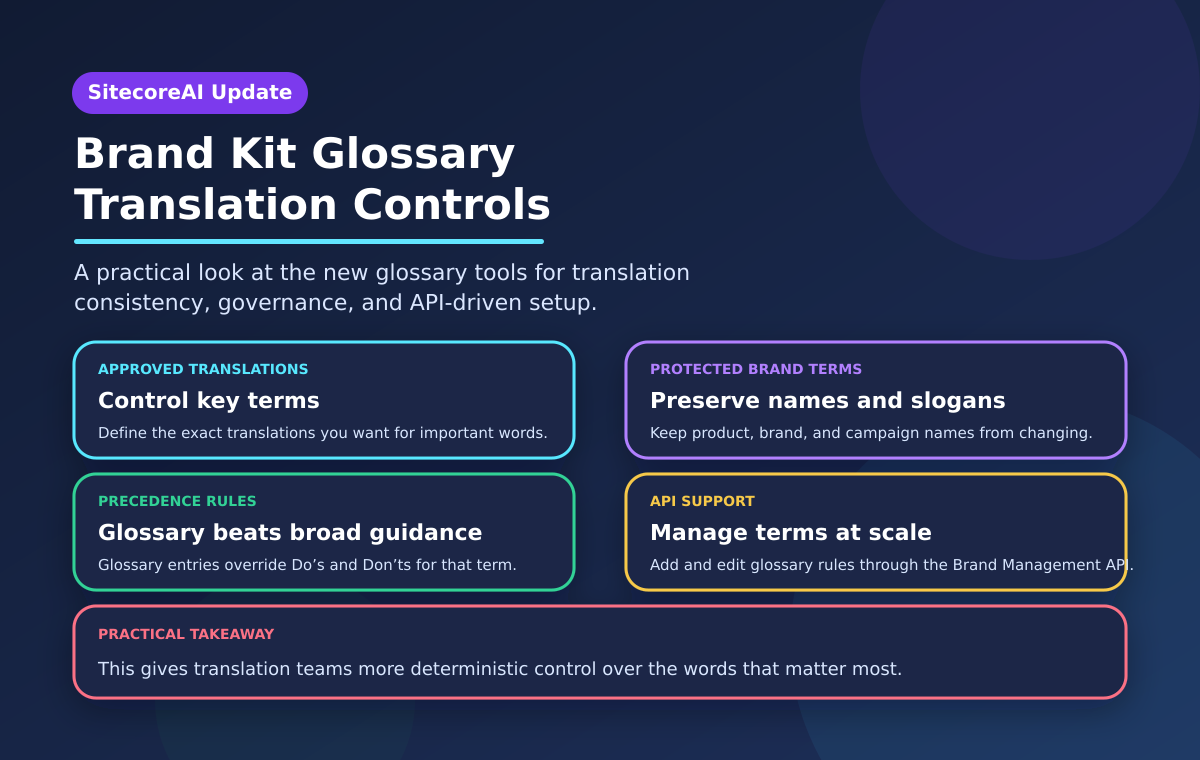
This update is most relevant for:
If your organization only translates occasionally, this may be nice-to-have. If translation is part of the regular publishing workflow, it's more important than it looks.
There's one detail in the changelog worth paying attention to: once a term appears in the glossary, Sitecore says any previously configured translation behaviour in the brand kit's Do's and Don'ts is ignored for that term. That's probably the right precedence model, but it does mean teams should review existing brand kits before piling glossary entries on top. Otherwise, you could get different translation behaviour than expected and assume the platform is being inconsistent.
A few practical takeaways:
This is a sensible SitecoreAI improvement. It gives translation teams more deterministic control over the words that actually matter, and that usually beats vague brand guidance every time.
Source: A New Glossary Section in Brand Kits Enables Custom Translation in SitecoreAI