Reading time: 1 min read
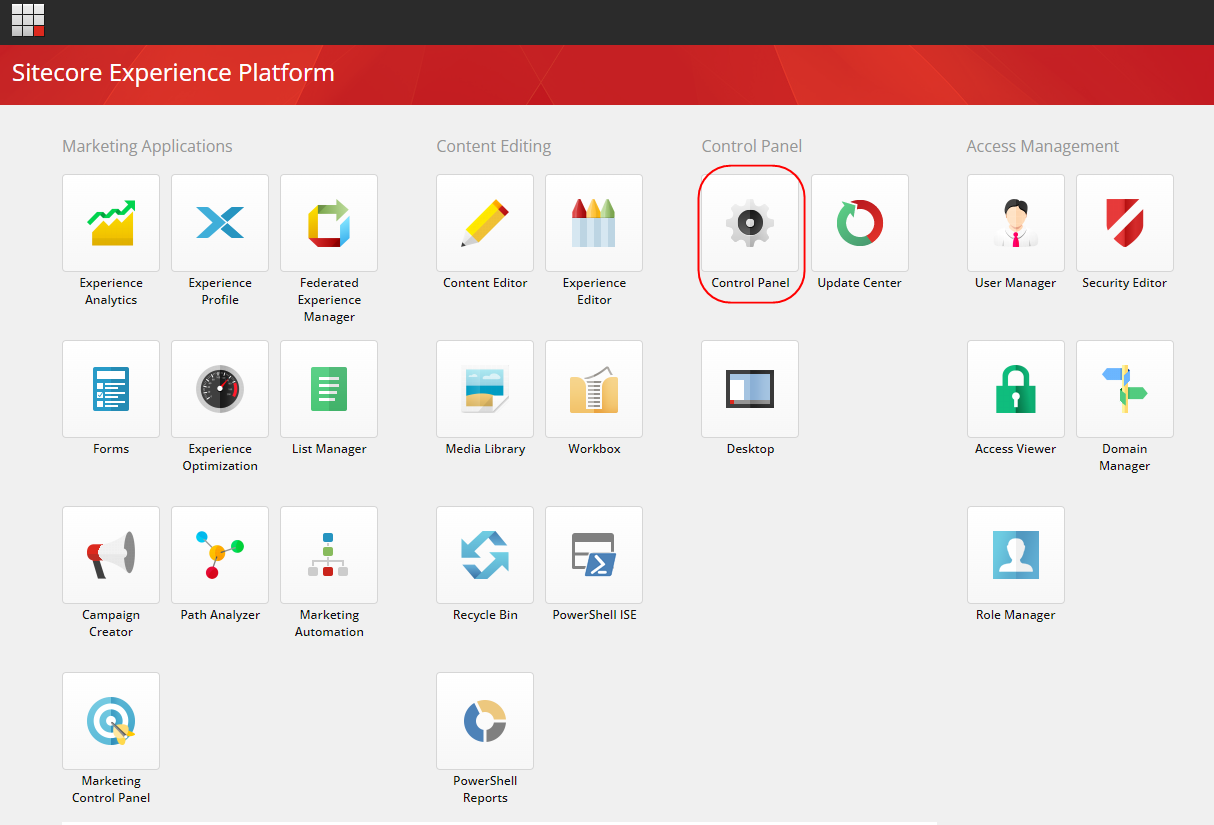
Step 1
Go to Control Panel in Sitecore.
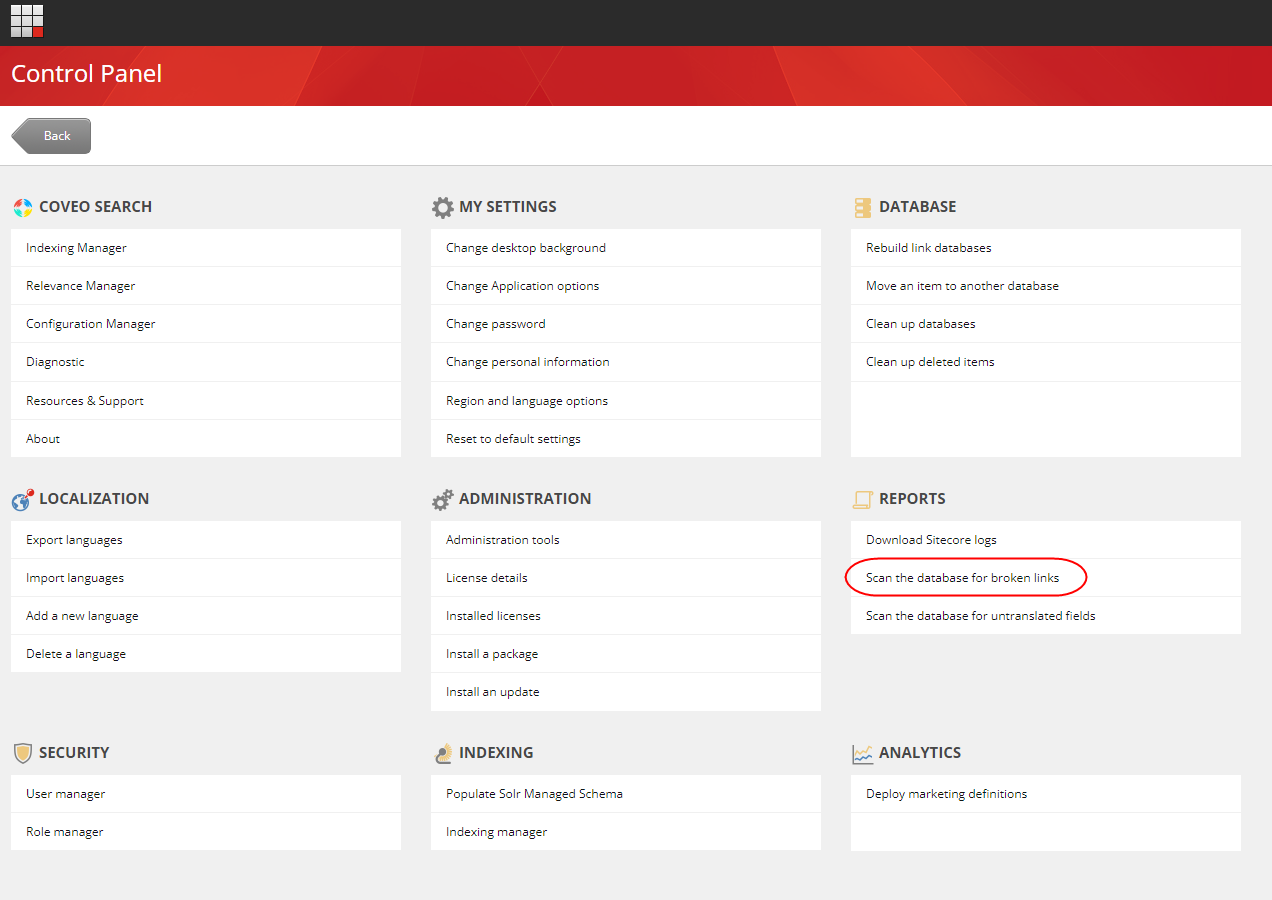
Step 2
Under Reports Select Scan the data for broken links.
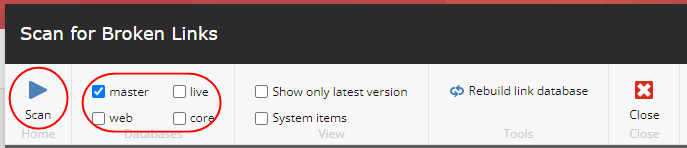
Step 3
Select the Databases for which you want results and press the scan button it will take a few seconds or minutes depending upon the number of items and will show you a list of broken links.
To fix the item, click on the item and it will open the item to fix it.
